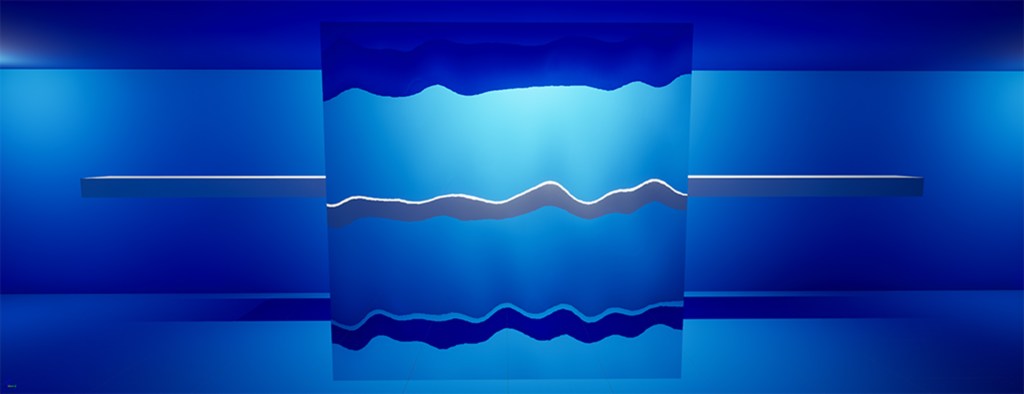
This investigation started when trying to create an aquarium in Unreal Engine 5. The Goals I wanted to acheive was to create a Aquarium Glass refraction shader, add VAT sealife and use Houdini to procedural generate coral/aquatic plant life.
Glass Refraction
I broke down the shader creation into a number of steps to make it easier to plan and understand whats needed.
Step 1: Create a Basic Water Glass Shader
Step 2: Add Refraction & Distortion
Step 3: Add Depth & Color Absorption
Step 1: Create a Basic Aquarium Glass Shader
Created a new material named M_AquariumGlass.
Set the Material Domain to Surface.
Set the Blend Mode to Translucent.
Kept the Shading Model as Default Lit (Thin Translucent could have been an option, but it’s better suited for thin glass-like surfaces).
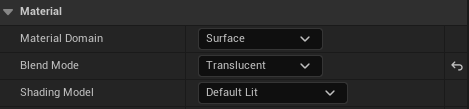
Step 2: Add Refraction & Distortion
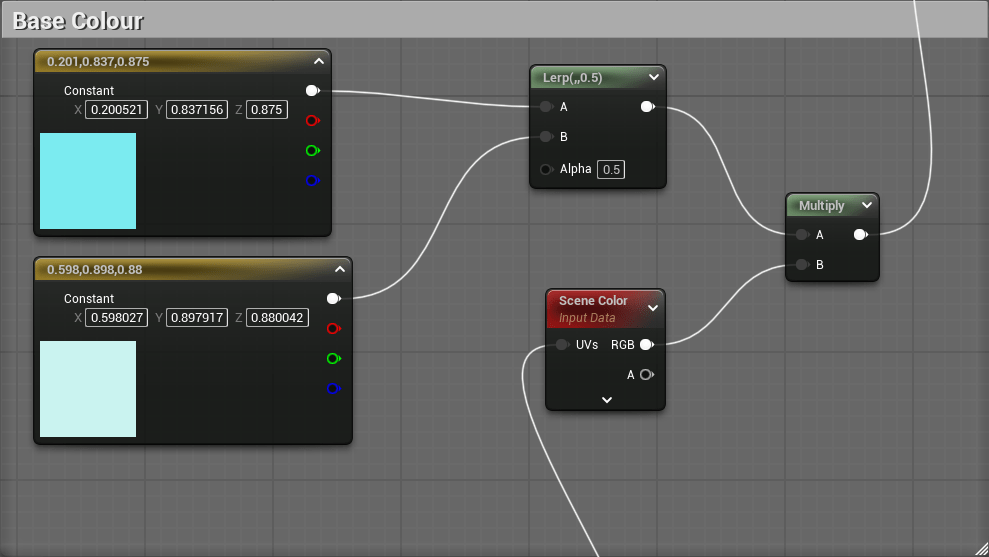
Blended the distorted colors with the original using a Lerp (Linear Interpolation) between two base colors.
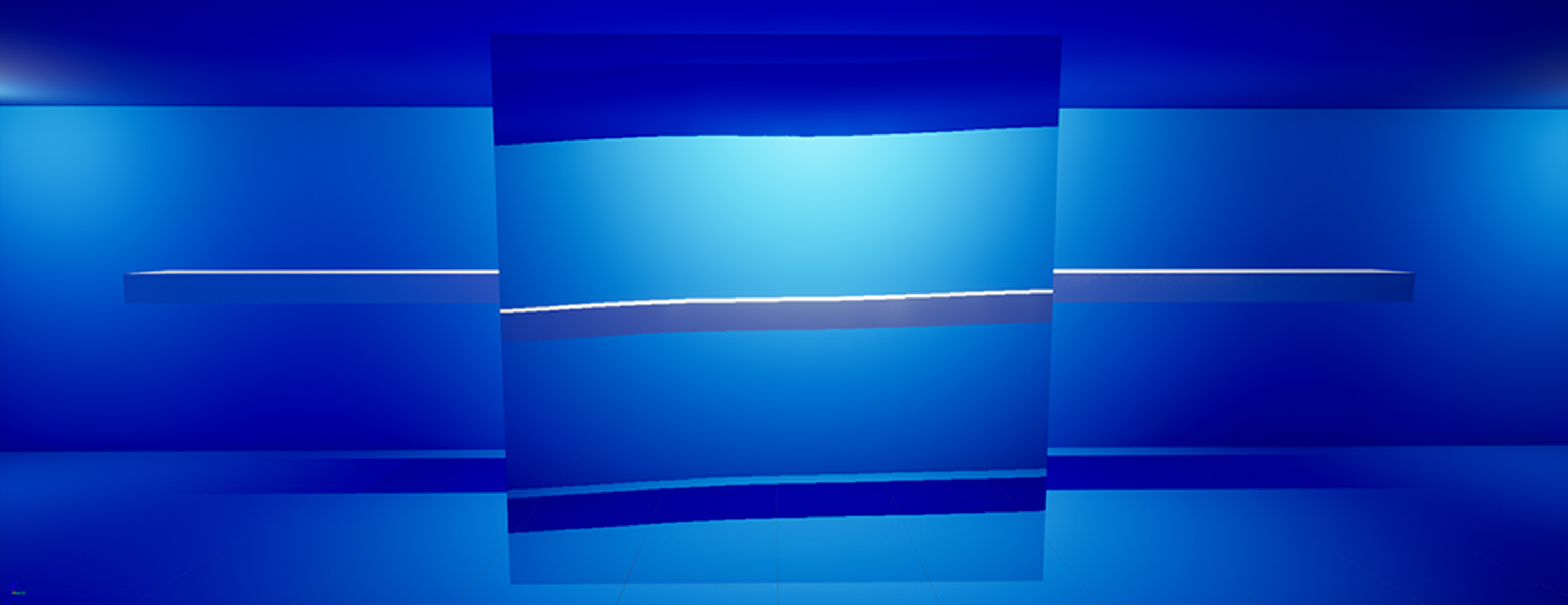
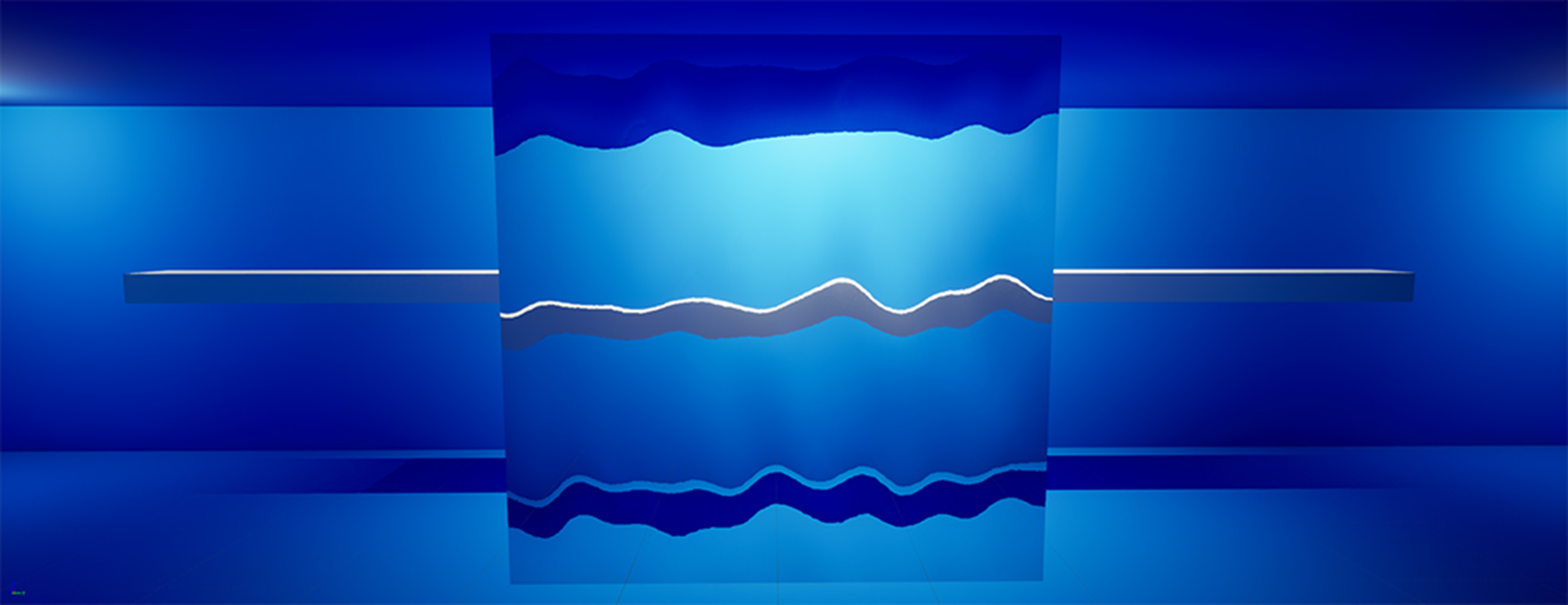
Added a Screen Position node. Connected its R&G (X&Y) channels to a normal map of ripples/waves to create distortion, then plugged it into the Refraction input of the material.
Included a multiplier controlled by a scalar parameter called Distortion Strength for easier control over the effect.
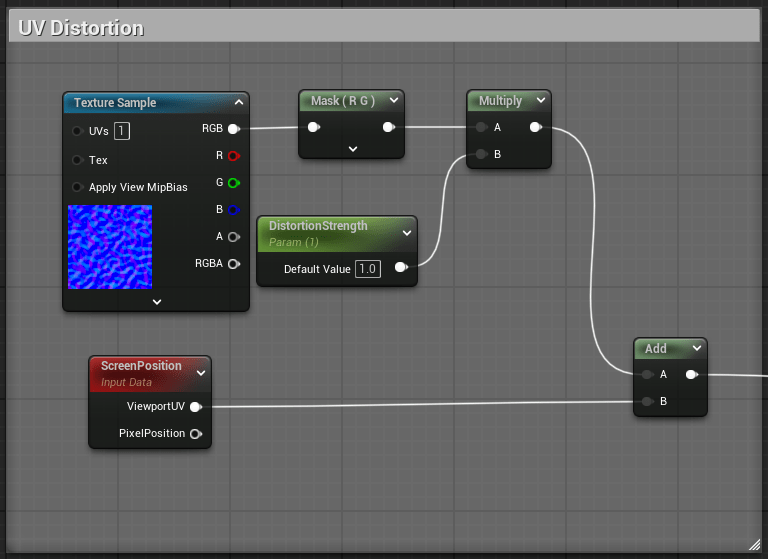
Added a Scene Color node to sample background colors. Offset it using the normal map to create a “wavy” effect.
Step 3: Add Depth & Color Absorption
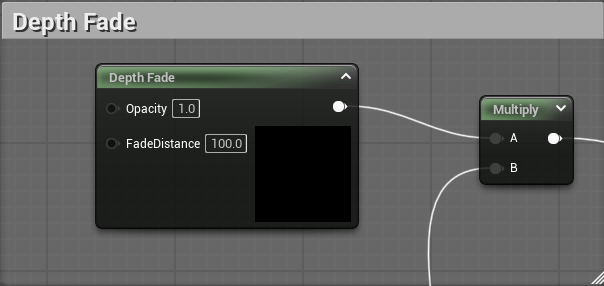
Used a Depth Fade node to prevent sharp cutoffs, then multiplied it with a blue-tinted color and plugged it into Base Color.
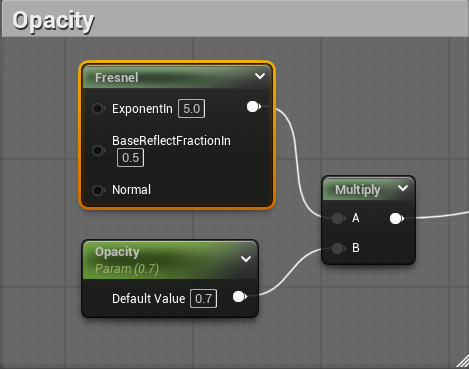
Added a Fresnel node to brighten the edges. Multiplied it with the Opacity value for better control over the final look.


 Sam Brimlow