
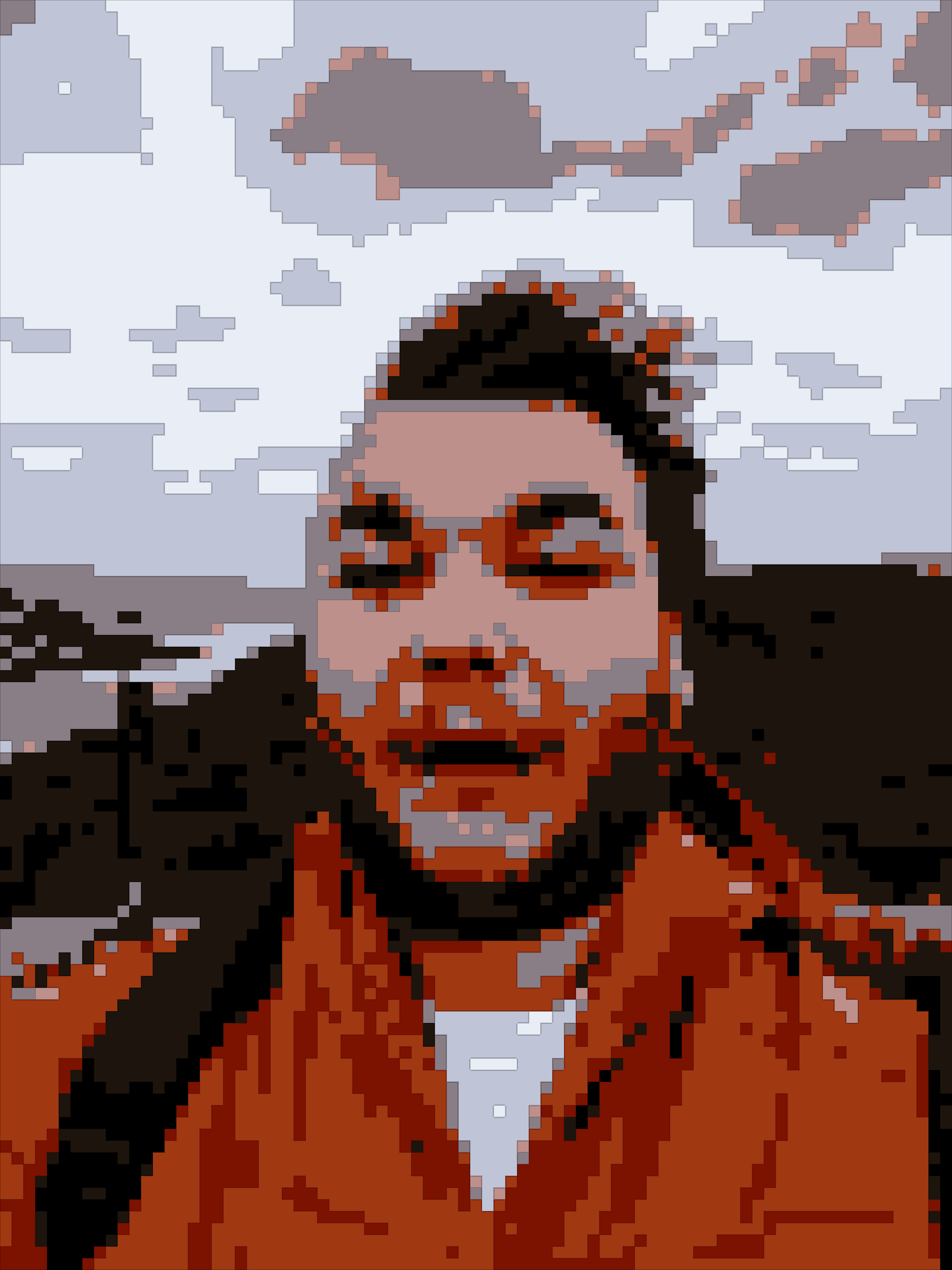
I’ve been messing around with image manipulation again in Python and Streamlit, this time because I wanted something that could give my photos that crunchy pixel art vibe you see in old RPGs and retro games.
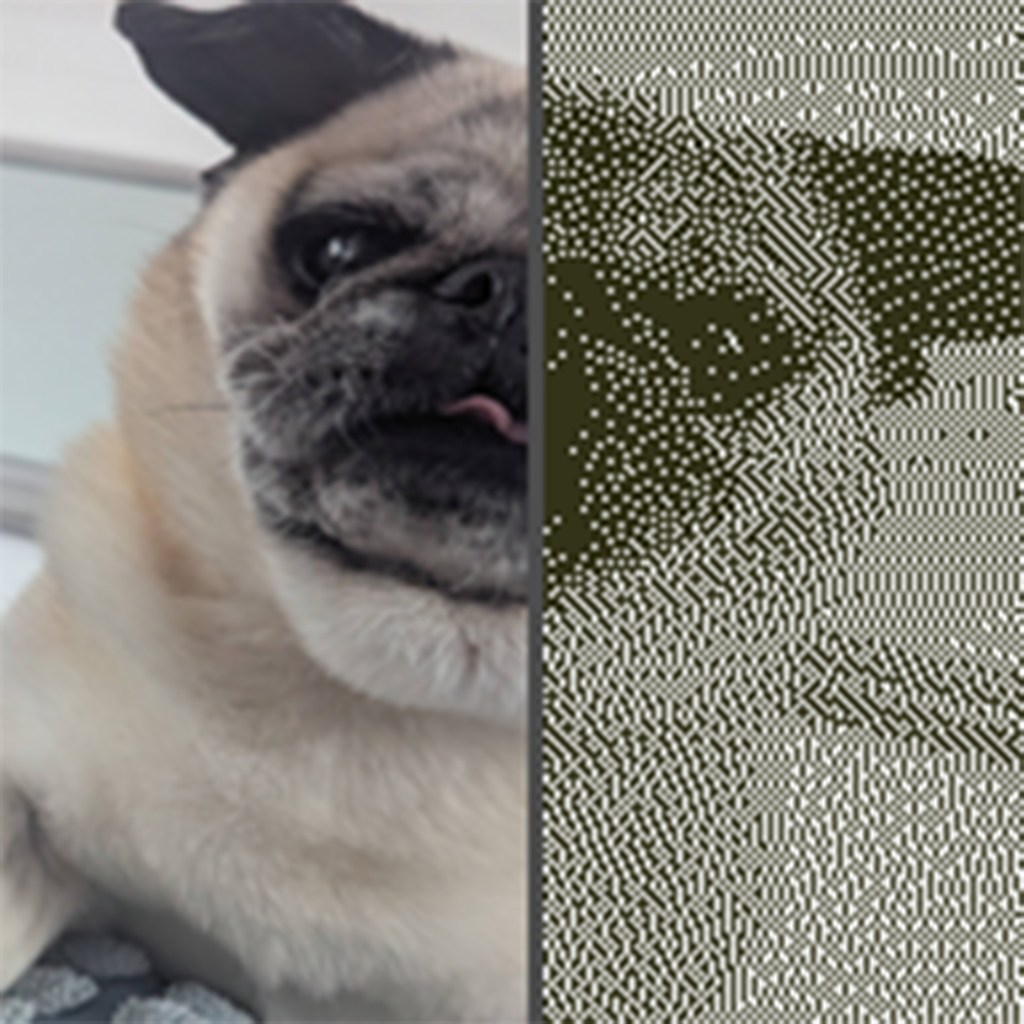
I already had some functional dithering code from a while back, but I wanted something more flexible: blocks, limited palettes, even optional black outlines to make everything pop.
I call it The Pixalator!!!!
What it does
- Upload an image straight from your browser
- Choose a pixel size (or average blocks for perfect tiling)
- Posterise the colours down to a few bits per channel
- Optionally quantise to a fixed palette (8-bit, NES, Game Boy, etc.)
- Adjust brightness, saturation, contrast, sharpen if needed
- Add a simple black outline to emphasise edges
- Download the final image or batch process a whole folder – untested but should work… hopefully

Next steps
I might add:
- Custom palette upload (for NES or Game Boy swatches)
- Export to a sprite sheet or animated GIF – a big maybe

 Sam Brimlow
Leave a comment